

https://home.DOMAIN. It links to every application and shows whether they are healthy, how far the first boot has come and whether backups leave the machine. It is also where you install new Celum releases.
The start page has its own account, separate from Authentik, so it still works when Authentik is down.
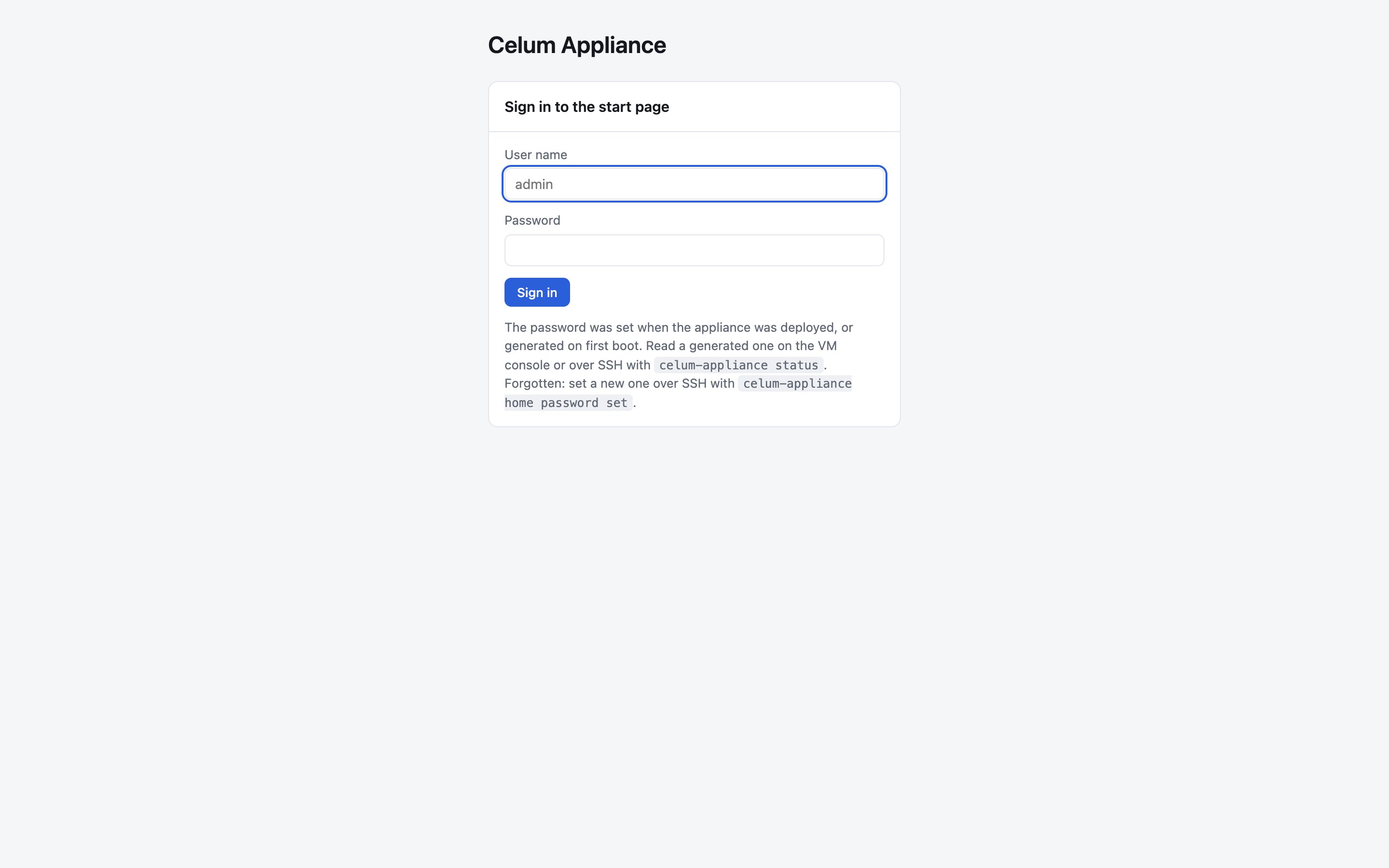
Sign in
-
User name:
admin, unless you chose another at deployment. -
Password: the one you chose at deployment, or one generated on the first boot. Read a generated password on the console or over SSH:
It is also in
/root/celum-appliance-credentials.txt. -
Forgotten password: set a new one over SSH, with at least 12 characters. Everyone signed in to the start page is signed out, and the generated password in
/root/celum-appliance-credentials.txtstops working.
The start page never shows a password, not even its own.
celum-appliance status prints every credential the appliance generated, over SSH or on the console.The header
The header shows the appliance’s state, its domain, the appliance release and when the page last checked. The state reads Running, Starting up while the first boot is still going, or the number of problems. The page refreshes itself every 10 seconds. The release in the header is the release of the appliance image. After you update Celum, the Updates tab shows the Celum release that runs.Apps
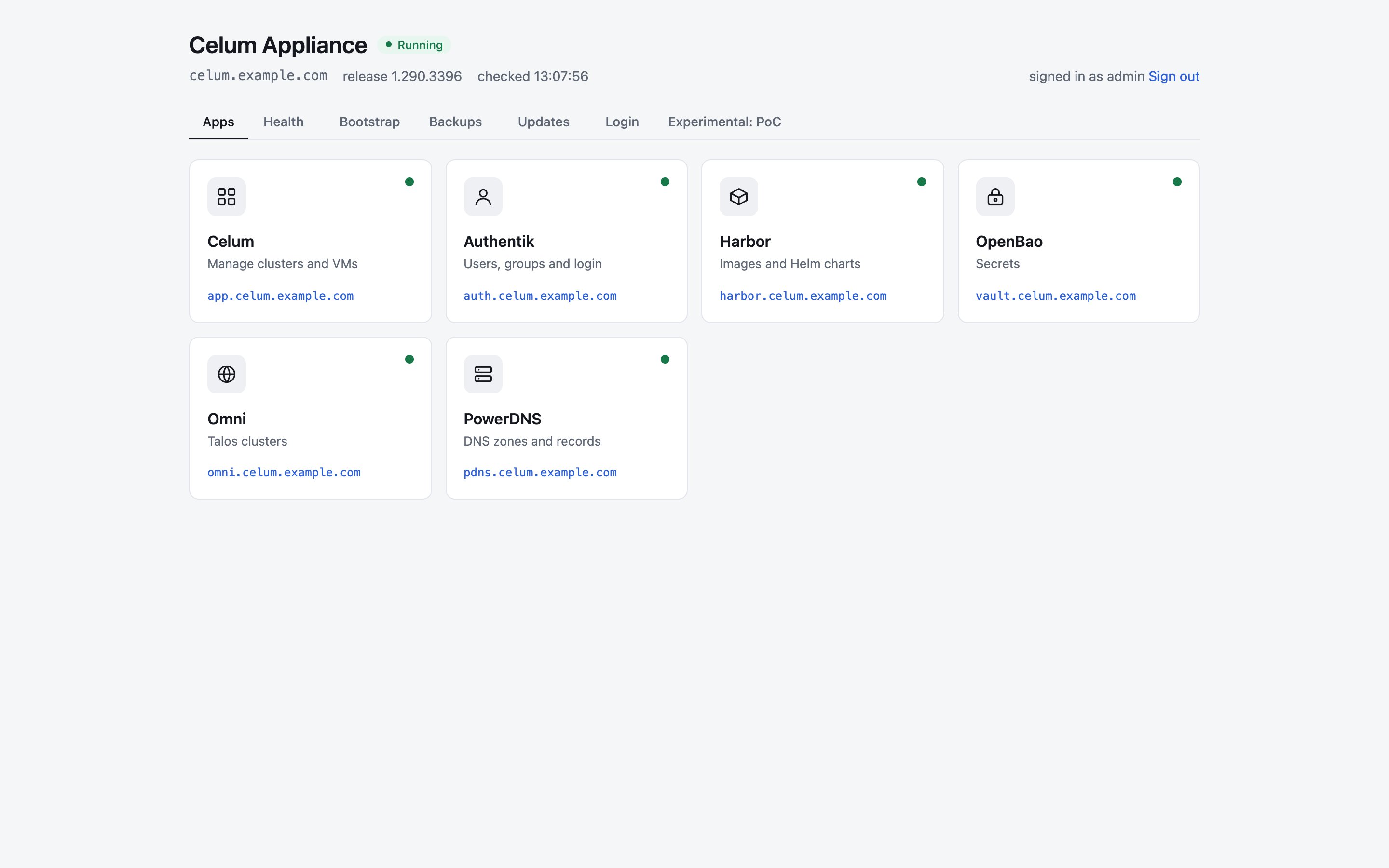
Health
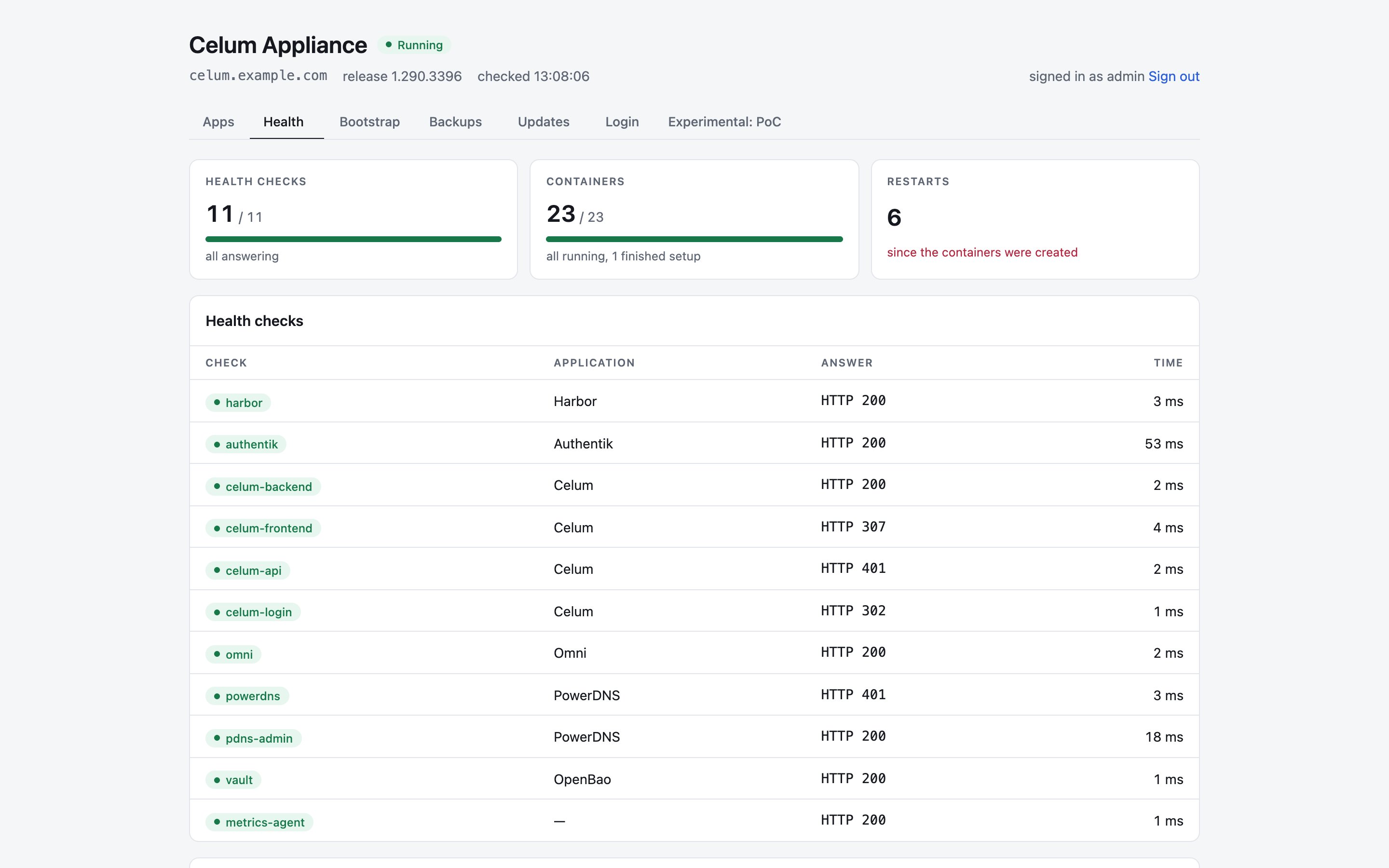
- Health checks: each application’s answer to its health check, with the HTTP status and how long it took.
- Containers: every container on the appliance, with its state, health and restart count.
Bootstrap
This tab lists the stages of the first boot, done and pending. It reads complete once the appliance has finished setting itself up. To follow a first boot that is still running, usejournalctl -u celum-appliance-bootstrap -f over SSH.
Backups
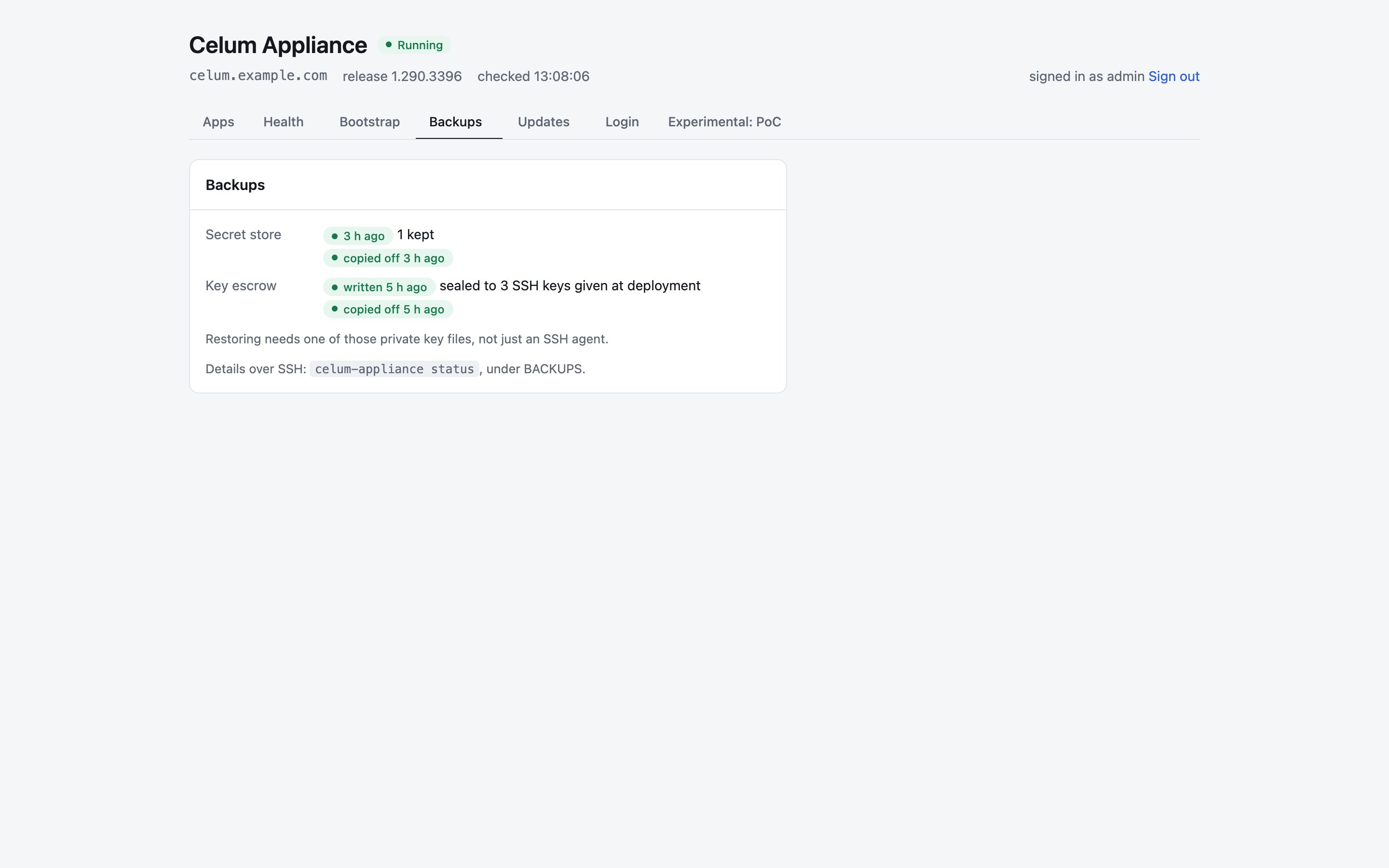
- Secret store: when OpenBao was last snapshotted, how many snapshots are kept, and whether they were copied off the machine.
- Key escrow: when the bundle of keys a restore needs was last written, which keys it is sealed to, and whether it was copied off the machine.
celum-appliance status has the details, under BACKUPS.
Updates
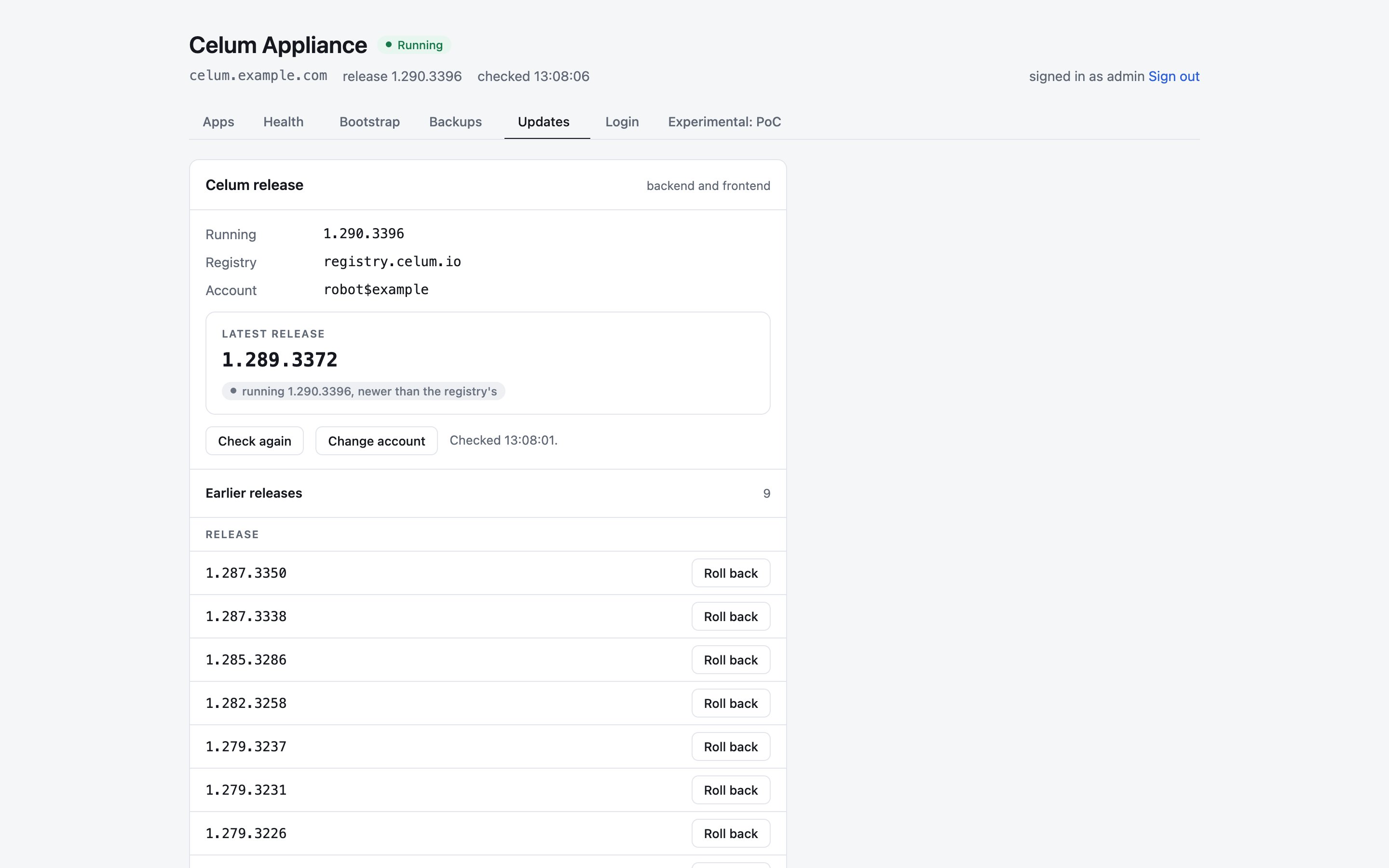
- Enter the update account once. Choose Change account, enter the robot account and secret from your licence, and choose Test and save. The appliance tests the account against the registry before it saves it, and never shows the secret again. If you gave the account at deployment, this is already done.
- Check again asks the registry,
registry.celum.io, for releases. - Update to VERSION installs the latest release. Earlier releases lists the others, with Install for a newer one and Roll back for an older one.
celum-appliance update list, celum-appliance update apply VERSION and celum-appliance update status.
Login
This tab shows where to sign in to Celum for the first time: the Authentik address, the administrator user and the admin group. It does not show the password; see Sign in to Celum.What needs SSH
The start page does not change the appliance’s configuration. Over SSH you:- change the start page’s password, with
celum-appliance home password set; - read passwords, with
celum-appliance status; - copy the appliance CA, from
/etc/celum-appliance/tls/ca.crt; - change settings and apply them, as described in Change the configuration later.